
General

SaaS Feature Launch

Build a clean SaaS feature launch visual with UI-led hierarchy, modern gradients, and product-marketing polish. The visual direction is guided by the main reference image.
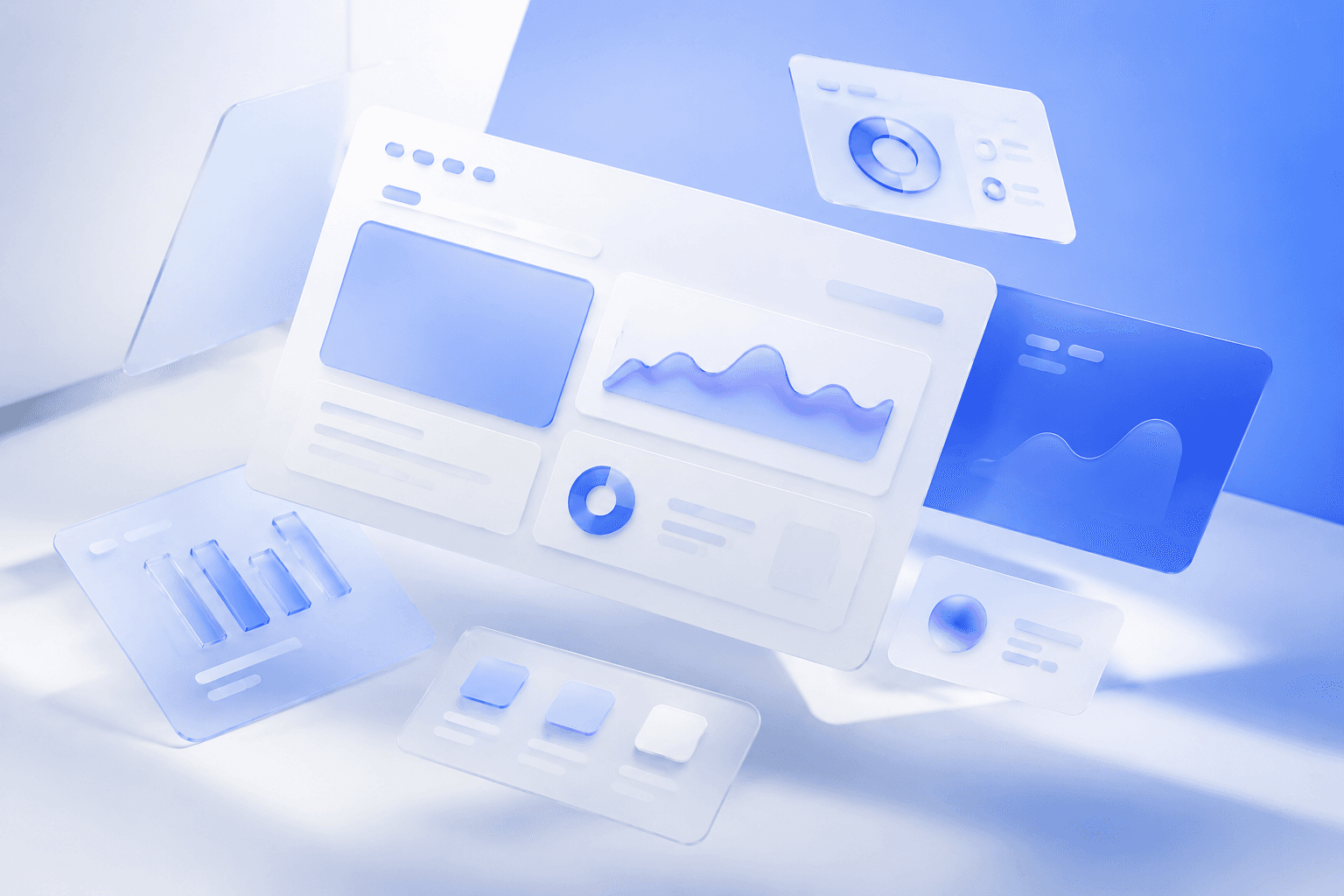
Use the main reference image as the visual anchor for composition, lighting, color palette, product placement, and prompt interpretation.

Use case
SaaS product marketing
Search intent
SaaS feature launch prompt
Aspect ratio
16:9 or 4:5
Video duration
6-12 seconds

Use this template

Use this template

Copy the Image Prompt, Runway Prompt, or storyboard and drop the template straight into your next campaign workflow.

Download Free Pack
SaaS Feature Launch supporting reference image 1
SaaS Feature Launch main reference image
SaaS Feature Launch supporting reference image 3

Image Prompt

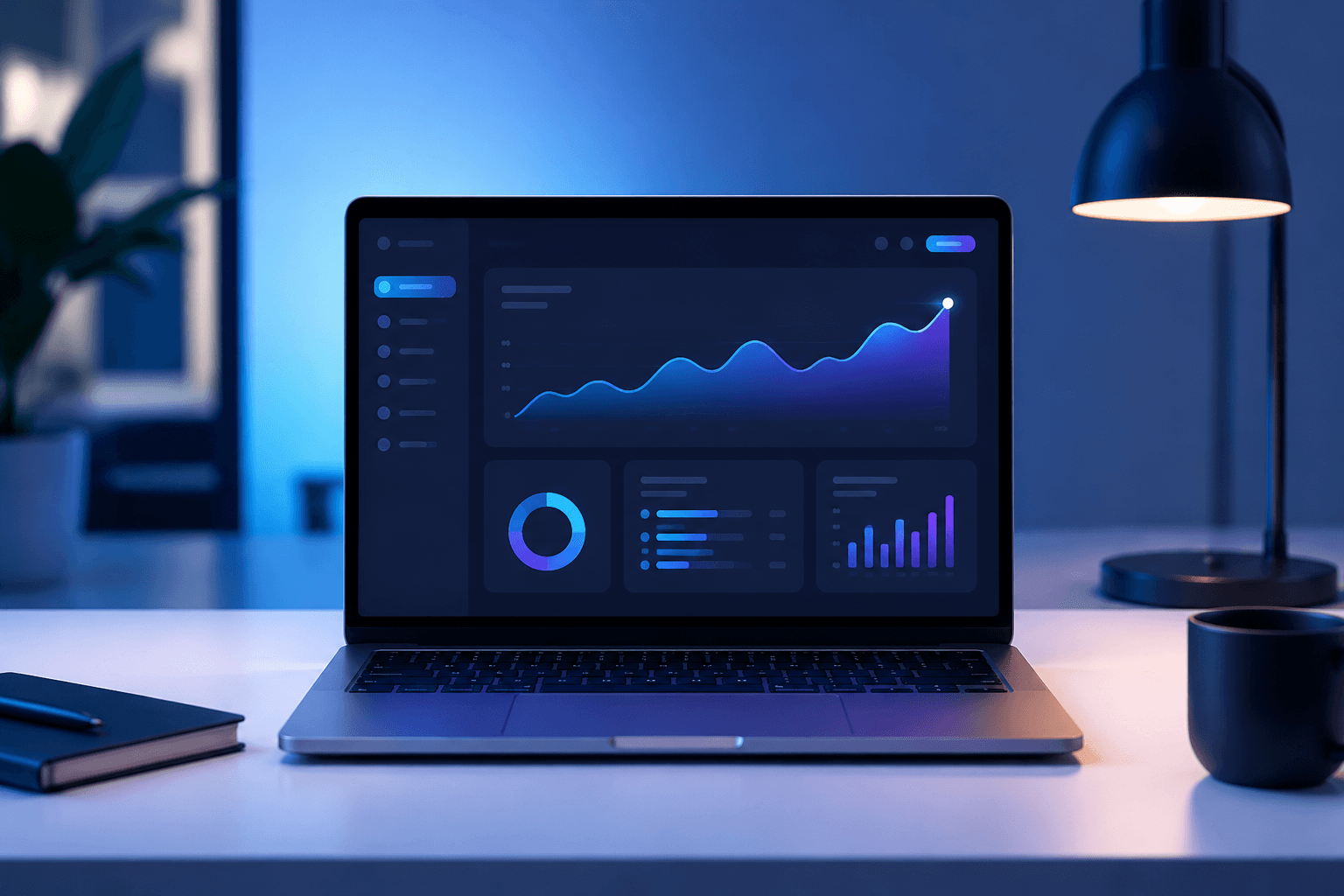
Use the main reference image as the visual anchor. Treat the other reference images only as supporting cues for texture, props, or framing. modern laptop on a clean desk with abstract dashboard-like glow on screen, no readable UI text, soft blue lighting, premium SaaS product marketing, polished minimal tech commercial photography, product-centered composition, clean negative space --ar 16:9 --v 6

Runway Prompt

Use the main reference image as the visual anchor. Treat the other reference images only as supporting cues for texture, props, or framing. Soft blue light reveals a laptop with an abstract dashboard glow. Interface shapes animate subtly without readable text, then the shot settles into a clean SaaS feature-launch hero.

Storyboard

3 to 5 scene script

  1. Scene 1

    A clean desk and laptop establish SaaS product-marketing context. Keep the frame aligned with the main reference image.

  2. Scene 2

    Abstract dashboard shapes glow softly without readable UI text. Keep the frame aligned with the main reference image.

  3. Scene 3

    The final frame holds a polished software launch hero with headline space. Keep the frame aligned with the main reference image.

Camera Notes

Use the main reference image for angle, crop, and subject hierarchy. Use a clean three-quarter laptop angle with screen glow visible and plenty of headline space.

Lighting Notes

Match the lighting logic of the main reference image first. Use soft blue tech lighting, controlled reflections, and no readable interface words.

Motion Notes

Keep motion choices consistent with the main reference image. Use subtle UI glow, slow camera push, and restrained product-marketing motion.

Prompt Variations

  • Make the gradient mood more enterprise and restrained. Keep the main reference image as the visual anchor.
  • Push the feature launch toward startup optimism with brighter contrast. Keep the main reference image as the visual anchor.
  • Create a more performance-marketing version with stronger CTA space. Keep the main reference image as the visual anchor.

FAQ

Can a prompt library support SaaS marketing too?

Yes. The same principles of hierarchy, clarity, and conversion messaging apply to software launch visuals.

Is this only useful for landing pages?

No. It can support launch emails, social cards, display units, and announcement ads.

How should I use the reference images?

Use the main reference image for composition, lighting, palette, and product focus. Use the other reference images as secondary support.

Related Templates