
General16:9 or 4:5
SaaS Feature Launch
Image PromptRunway PromptStoryboard
Build a clean SaaS feature launch visual with UI-led hierarchy, modern gradients, and product-marketing polish. The visual direction is guided by the main reference image.
Create a suspense-led launch teaser with partial reveal logic, clean silhouette control, and premium campaign anticipation. The visual direction is guided by the main reference image.
Use the main reference image as the visual anchor for composition, lighting, color palette, product placement, and prompt interpretation.
Use this template
Copy the Image Prompt, Runway Prompt, or storyboard and drop the template straight into your next campaign workflow.
Download Free Pack


Use the main reference image as the visual anchor. Treat the other reference images only as supporting cues for texture, props, or framing. product launch teaser with partial reveal, silhouette under light or material, premium campaign suspense, clean modern composition, launch anticipation, polished ad framing --ar 16:9 --v 6
Use the main reference image as the visual anchor. Treat the other reference images only as supporting cues for texture, props, or framing. A silhouette and controlled light reveal create suspense around a new product. Motion stays deliberate and premium before ending on a teaser-ready campaign frame with launch space.
Storyboard
A silhouette or concealed product shape establishes launch anticipation. Keep the frame aligned with the main reference image.
Controlled light reveals one key detail without showing the full product. Keep the frame aligned with the main reference image.
The final teaser frame protects space for launch date or waitlist messaging. Keep the frame aligned with the main reference image.
Use the main reference image for angle, crop, and subject hierarchy. Use partial-detail framing and avoid fully revealing the product too early.
Match the lighting logic of the main reference image first. Use controlled launch lighting with a strong reveal highlight and restrained background detail.
Keep motion choices consistent with the main reference image. Use a slow suspenseful push-in and subtle reveal movement only.
It creates anticipation without overexplaining, which works well for launches, drops, and waitlist campaigns.
Yes. The suspense structure works across physical products, apps, features, and seasonal launches.
Use the main reference image for composition, lighting, palette, and product focus. Use the other reference images as secondary support.
Build a clean SaaS feature launch visual with UI-led hierarchy, modern gradients, and product-marketing polish. The visual direction is guided by the main reference image.
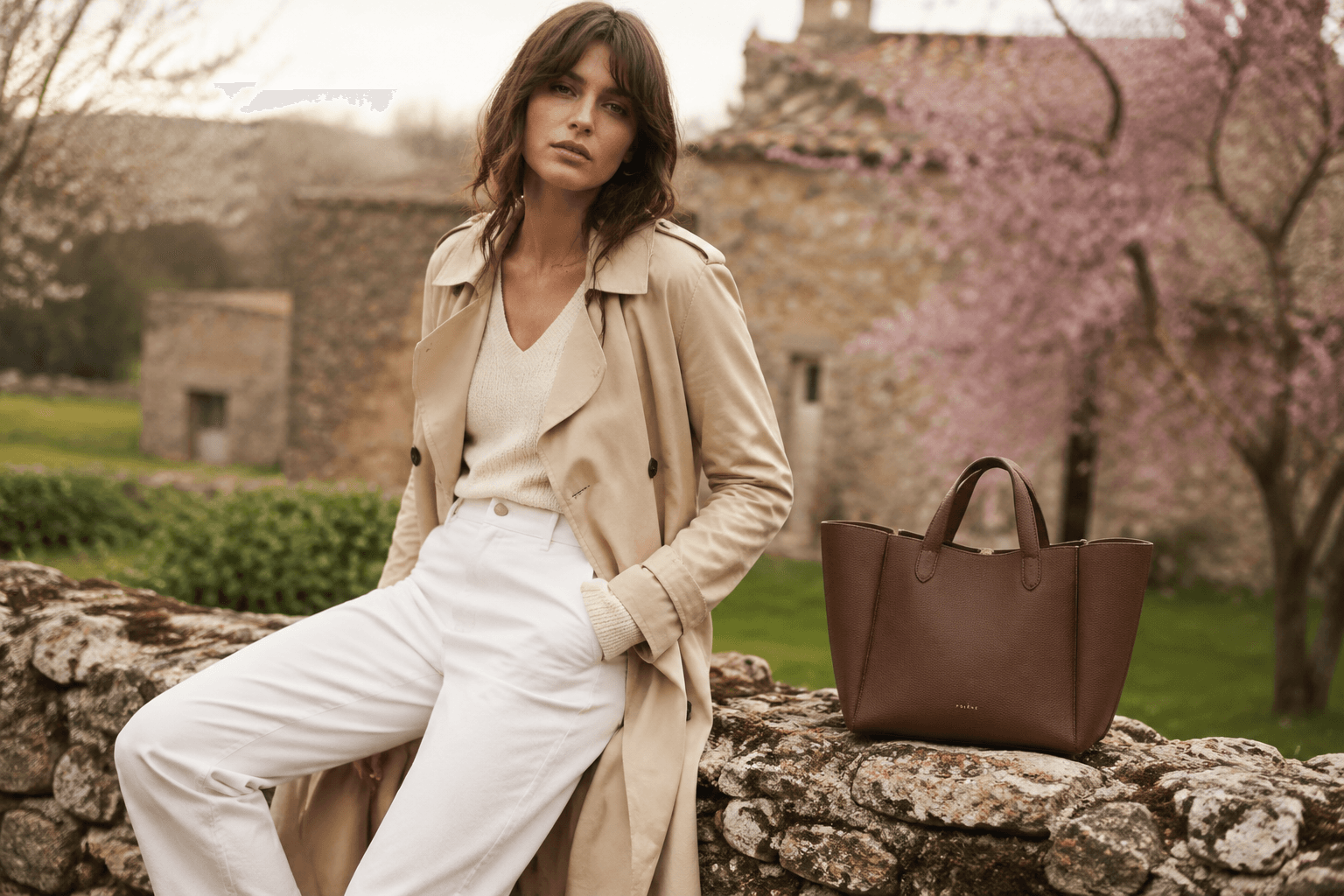
Show a new fashion collection with coordinated styling, campaign polish, and a clear launch-story structure. The visual direction is guided by the main reference image.
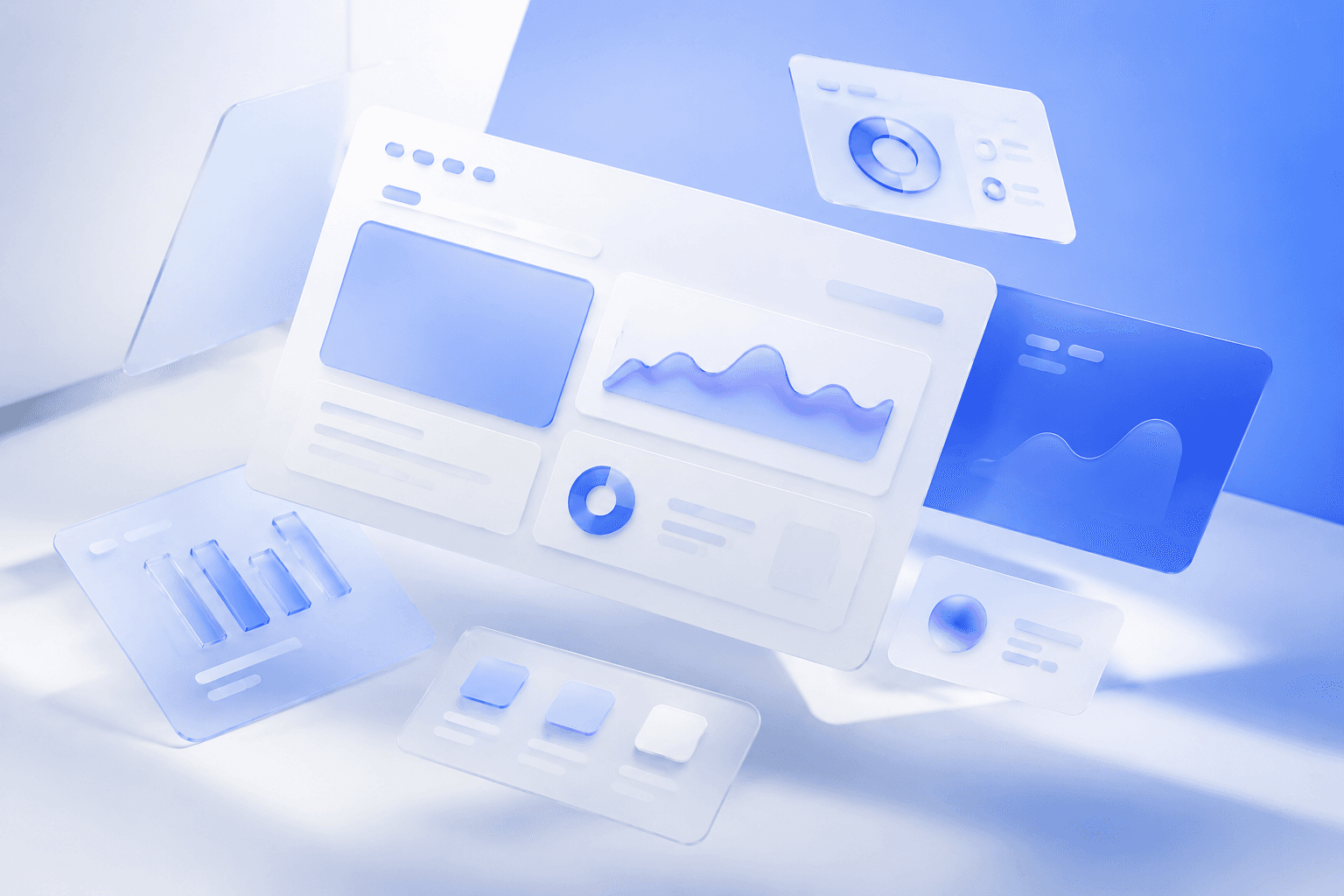
Build a landing-page hero with strong headline space, clean product hierarchy, and polished conversion-oriented structure. The visual direction is guided by the main reference image.