General16:9 or 4:5
SaaS Feature Launch
Image PromptRunway PromptStoryboard
Build a clean SaaS feature launch visual with UI-led hierarchy, modern gradients, and product-marketing polish. The visual direction is guided by the main reference image.
Create a professional B2B campaign visual with cleaner hierarchy, credible polish, and a business-ready conversion frame. The visual direction is guided by the main reference image.
Use the main reference image as the visual anchor for composition, lighting, color palette, product placement, and prompt interpretation.
Use this template
Copy the Image Prompt, Runway Prompt, or storyboard and drop the template straight into your next campaign workflow.
Download Free Pack


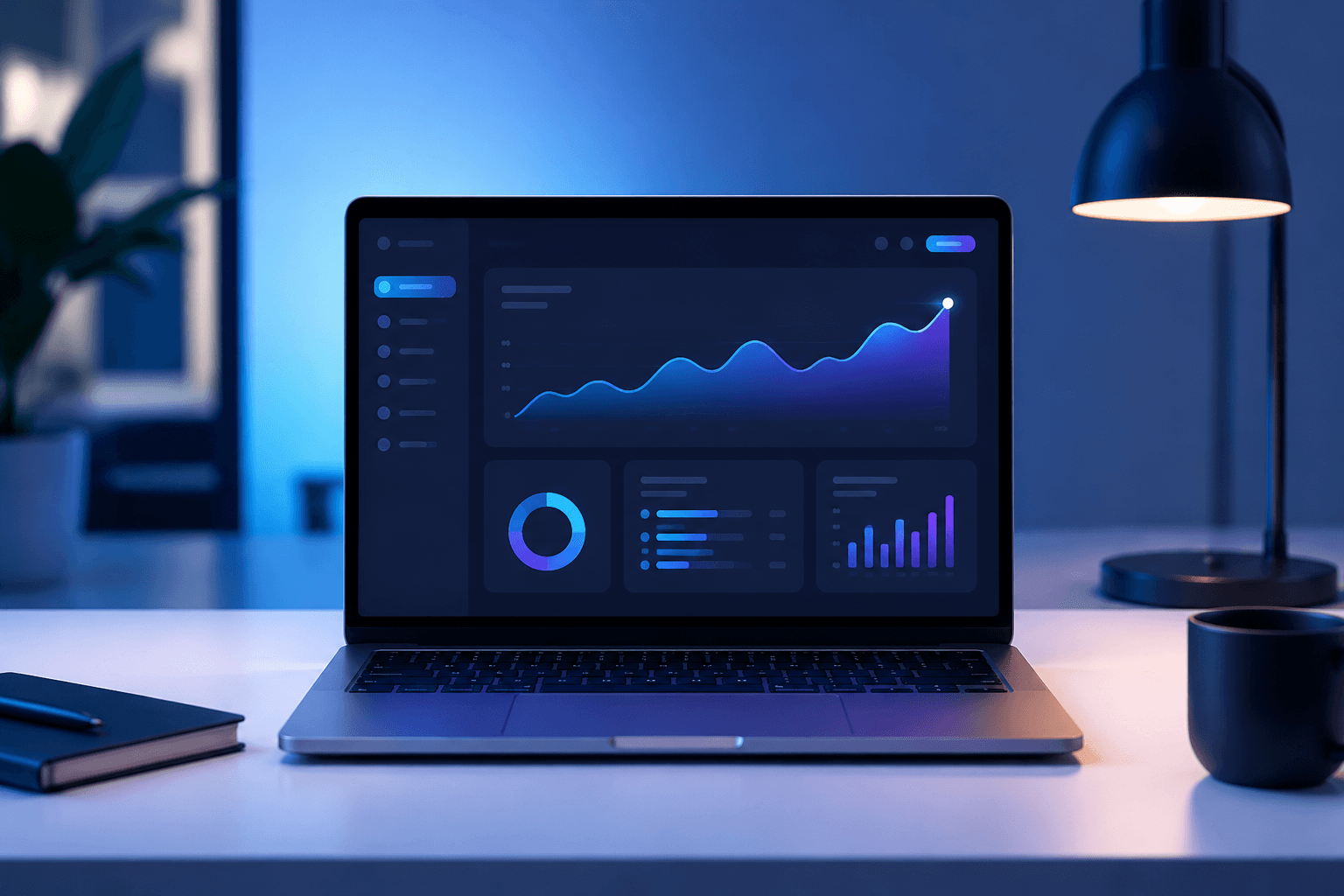
Use the main reference image as the visual anchor. Treat the other reference images only as supporting cues for texture, props, or framing. clean business desk with laptop, abstract chart shapes and soft data visualization glow, no readable text, professional blue and white lighting, premium B2B lead generation advertising, polished enterprise marketing style, clean negative space --ar 16:9 --v 6
Use the main reference image as the visual anchor. Treat the other reference images only as supporting cues for texture, props, or framing. A clean business desk and laptop appear under professional blue-white light as abstract chart shapes glow softly. Motion remains credible and restrained, ending on a polished B2B lead-generation hero.
Storyboard
A clean business desk establishes professional B2B context. Keep the frame aligned with the main reference image.
Abstract data shapes glow around the laptop without readable UI text. Keep the frame aligned with the main reference image.
The final frame holds a credible lead-generation hero with clean CTA space. Keep the frame aligned with the main reference image.
Use the main reference image for angle, crop, and subject hierarchy. Use a professional desk-level angle with laptop and data shapes balanced around clear copy space.
Match the lighting logic of the main reference image first. Use blue-white enterprise lighting with restrained glow and no readable chart labels.
Keep motion choices consistent with the main reference image. Use subtle data glow, slow push-in, and a stable professional final frame.
Clarity, credibility, and a layout that respects professional expectations usually matter more than flashy motion.
Yes. It adapts well to software, consulting, B2B tools, and event or webinar promotions.
Use the main reference image for composition, lighting, palette, and product focus. Use the other reference images as secondary support.
Build a clean SaaS feature launch visual with UI-led hierarchy, modern gradients, and product-marketing polish. The visual direction is guided by the main reference image.
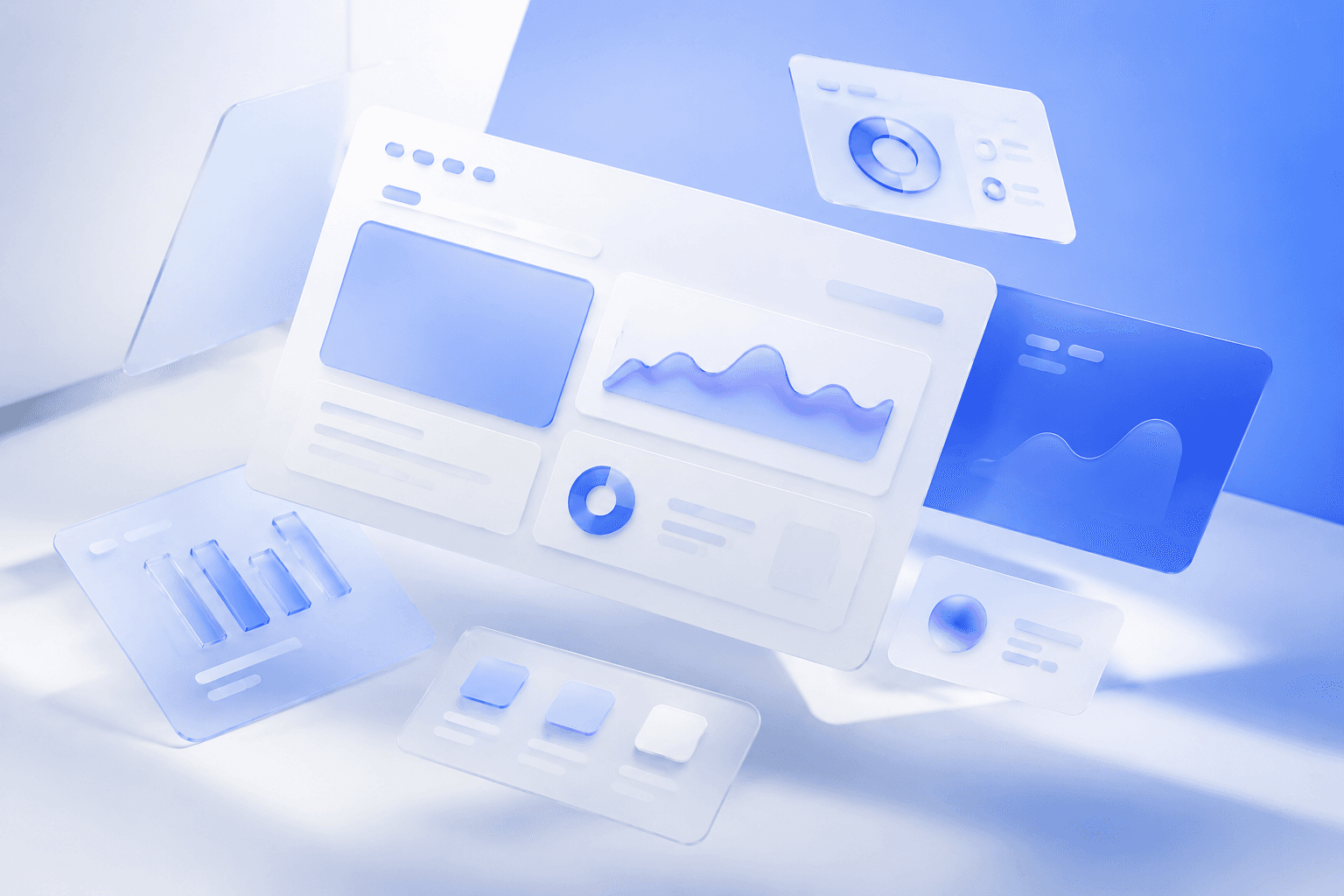
Build a landing-page hero with strong headline space, clean product hierarchy, and polished conversion-oriented structure. The visual direction is guided by the main reference image.

Create a proof-led ad structure with credibility, quote space, and a clean conversion-oriented product layout. The visual direction is guided by the main reference image.