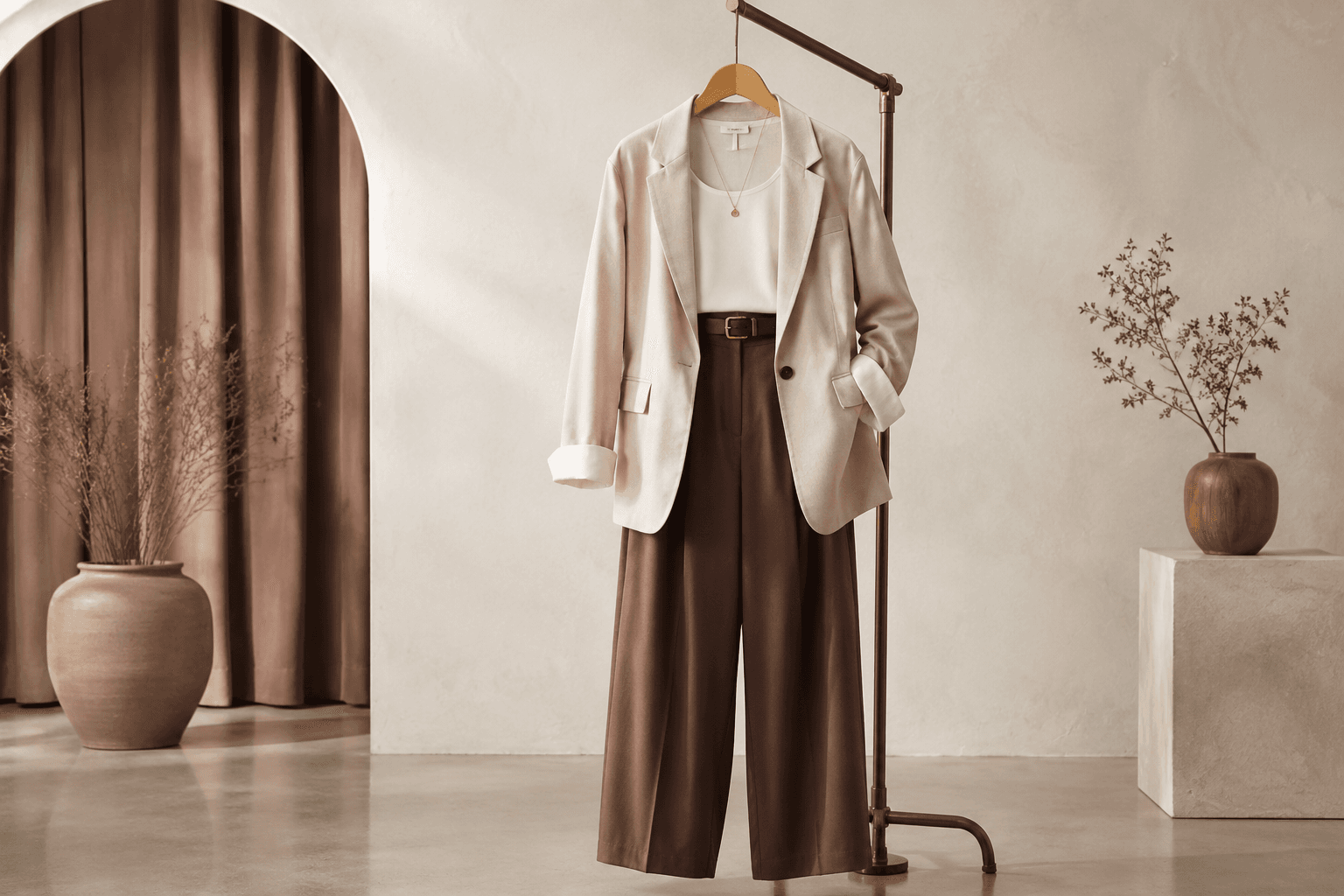
Fashion9:16
Fashion Lookbook Reel
Image PromptRunway PromptStoryboard
Build a clean fashion lookbook reel with outfit transitions, editorial movement, and premium studio direction. The visual direction is guided by the main reference image.
Show a new fashion collection with coordinated styling, campaign polish, and a clear launch-story structure. The visual direction is guided by the main reference image.
Use the main reference image as the visual anchor for composition, lighting, color palette, product placement, and prompt interpretation.
Use this template
Copy the Image Prompt, Runway Prompt, or storyboard and drop the template straight into your next campaign workflow.
Download Free Pack
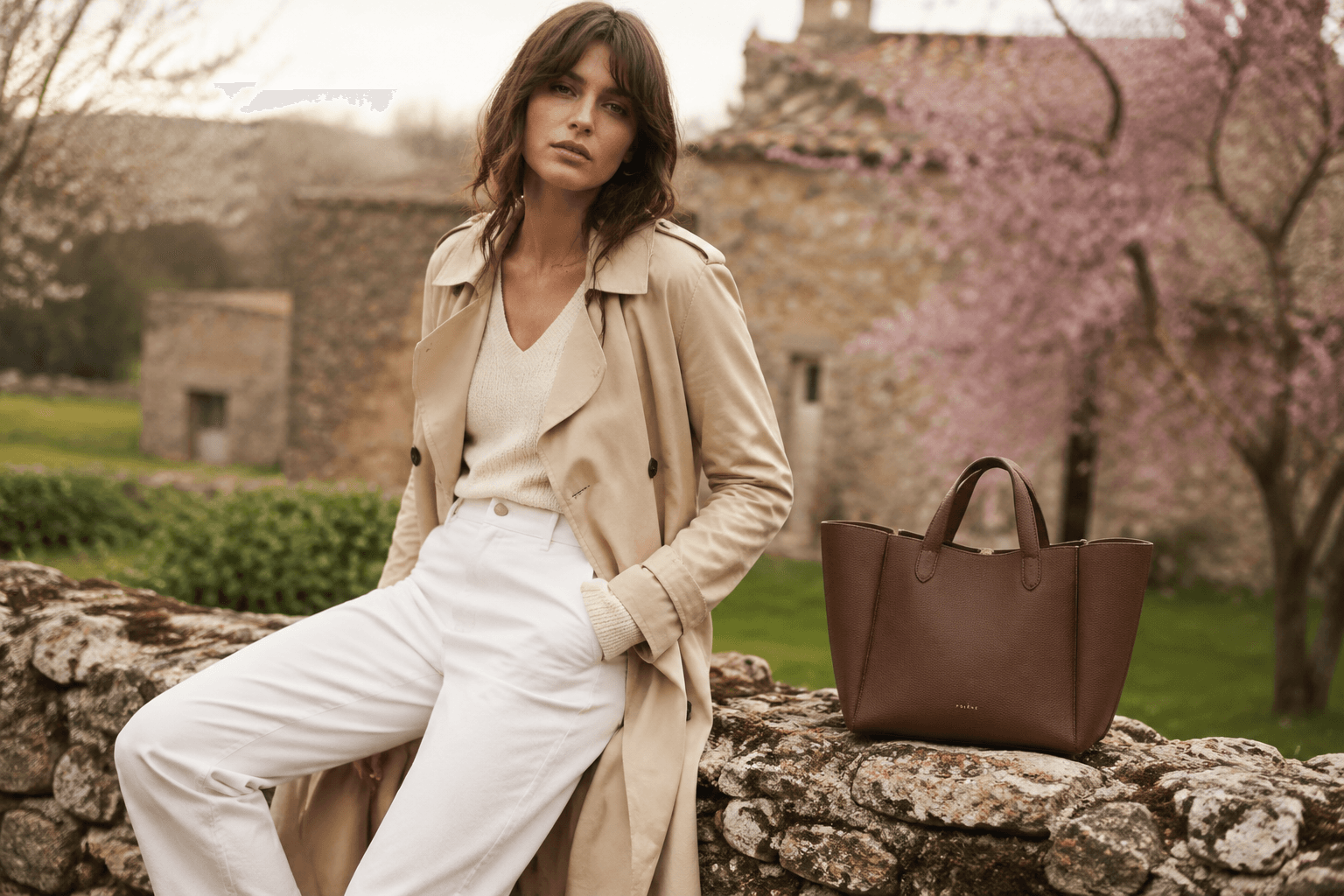

Use the main reference image as the visual anchor. Treat the other reference images only as supporting cues for texture, props, or framing. seasonal fashion collection launch, coordinated apparel styling, premium campaign composition, collection-first hierarchy, refined editorial lighting, modern fashion brand storytelling --ar 4:5 --v 6
Use the main reference image as the visual anchor. Treat the other reference images only as supporting cues for texture, props, or framing. A coordinated seasonal fashion collection enters through polished editorial pacing and clean styling hierarchy. Motion emphasizes launch energy before resolving into a collection-ready hero frame.
Storyboard
Coordinated styling establishes a clear seasonal collection mood. Keep the frame aligned with the main reference image.
The collection hierarchy becomes visible through apparel grouping and editorial pacing. Keep the frame aligned with the main reference image.
The final frame holds a launch-ready collection hero for campaign messaging. Keep the frame aligned with the main reference image.
Use the main reference image for angle, crop, and subject hierarchy. Use collection-level framing with enough separation to understand each key look or product group.
Match the lighting logic of the main reference image first. Use editorial campaign light that feels premium but still keeps product details readable.
Keep motion choices consistent with the main reference image. Use smooth launch pacing and a stable collection lockup at the end.
A collection launch usually carries stronger hierarchy, messaging space, and a clearer new-season announcement feel.
Yes. The same visual system can later be adapted for markdowns, retargeting, or launch reminders.
Use the main reference image for composition, lighting, palette, and product focus. Use the other reference images as secondary support.
Build a clean fashion lookbook reel with outfit transitions, editorial movement, and premium studio direction. The visual direction is guided by the main reference image.
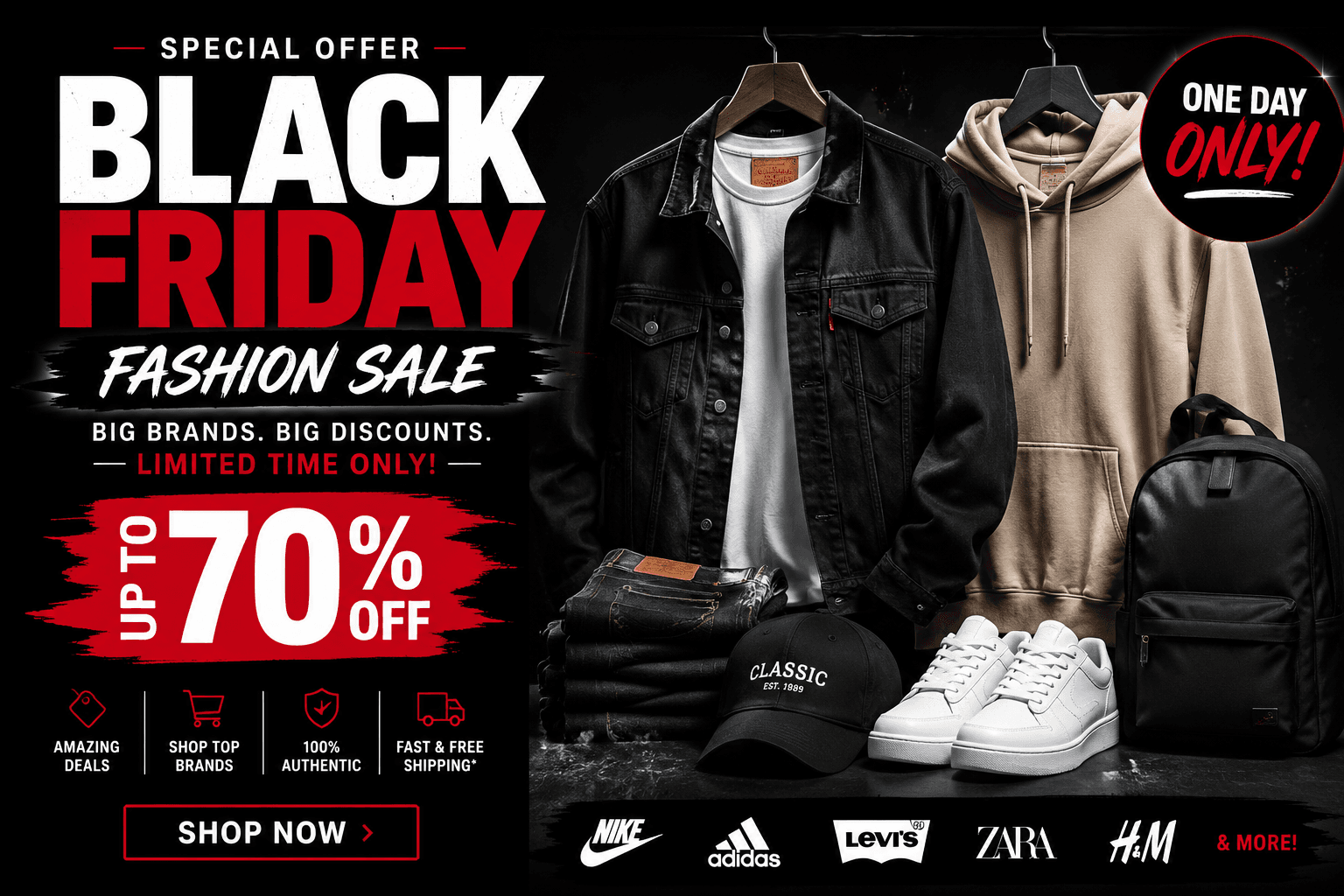
Showcase a fashion sale frame with strong offer-space hierarchy, apparel-first presentation, and premium promotional contrast. The visual direction is guided by the main reference image.

Create a suspense-led launch teaser with partial reveal logic, clean silhouette control, and premium campaign anticipation. The visual direction is guided by the main reference image.