

Google Display Ad Creative
Create a display-ad-ready visual with simple product hierarchy, readable message zones, and broad campaign flexibility. The visual direction is guided by the main reference image.

Create an app-growth visual with device framing, benefit-led hierarchy, and mobile performance-marketing clarity. The visual direction is guided by the main reference image.
Use the main reference image as the visual anchor for composition, lighting, color palette, product placement, and prompt interpretation.
Use this template
Copy the Image Prompt, Runway Prompt, or storyboard and drop the template straight into your next campaign workflow.
Download Free Pack
Use the main reference image as the visual anchor. Treat the other reference images only as supporting cues for texture, props, or framing. modern smartphone on clean studio surface, abstract colorful app interface shapes on screen with no readable words, bright gradient lighting, polished mobile app growth advertising, product-centered composition, clean negative space --ar 16:9 --v 6
Use the main reference image as the visual anchor. Treat the other reference images only as supporting cues for texture, props, or framing. A smartphone rises into a bright gradient frame as abstract app shapes animate on the screen. The motion stays simple and growth-focused, ending on a clean install-ready mobile ad hero.
Storyboard
A smartphone and gradient light establish mobile app growth context. Keep the frame aligned with the main reference image.
Abstract colorful interface shapes animate without readable text. Keep the frame aligned with the main reference image.
The final frame holds the phone with clear CTA-ready negative space. Keep the frame aligned with the main reference image.
Use the main reference image for angle, crop, and subject hierarchy. Use a centered phone hero angle with screen visible and simple surrounding space.
Match the lighting logic of the main reference image first. Use bright gradient tech lighting with clean reflections and no readable UI text.
Keep motion choices consistent with the main reference image. Use a phone rise, soft screen animation, and a stable final install-ad frame.
Device readability, benefit hierarchy, and a layout that makes action feel obvious and low-friction.
Yes. It adapts well to both feed and vertical placements with only small ratio or pacing changes.
Use the main reference image for composition, lighting, palette, and product focus. Use the other reference images as secondary support.

Create a display-ad-ready visual with simple product hierarchy, readable message zones, and broad campaign flexibility. The visual direction is guided by the main reference image.

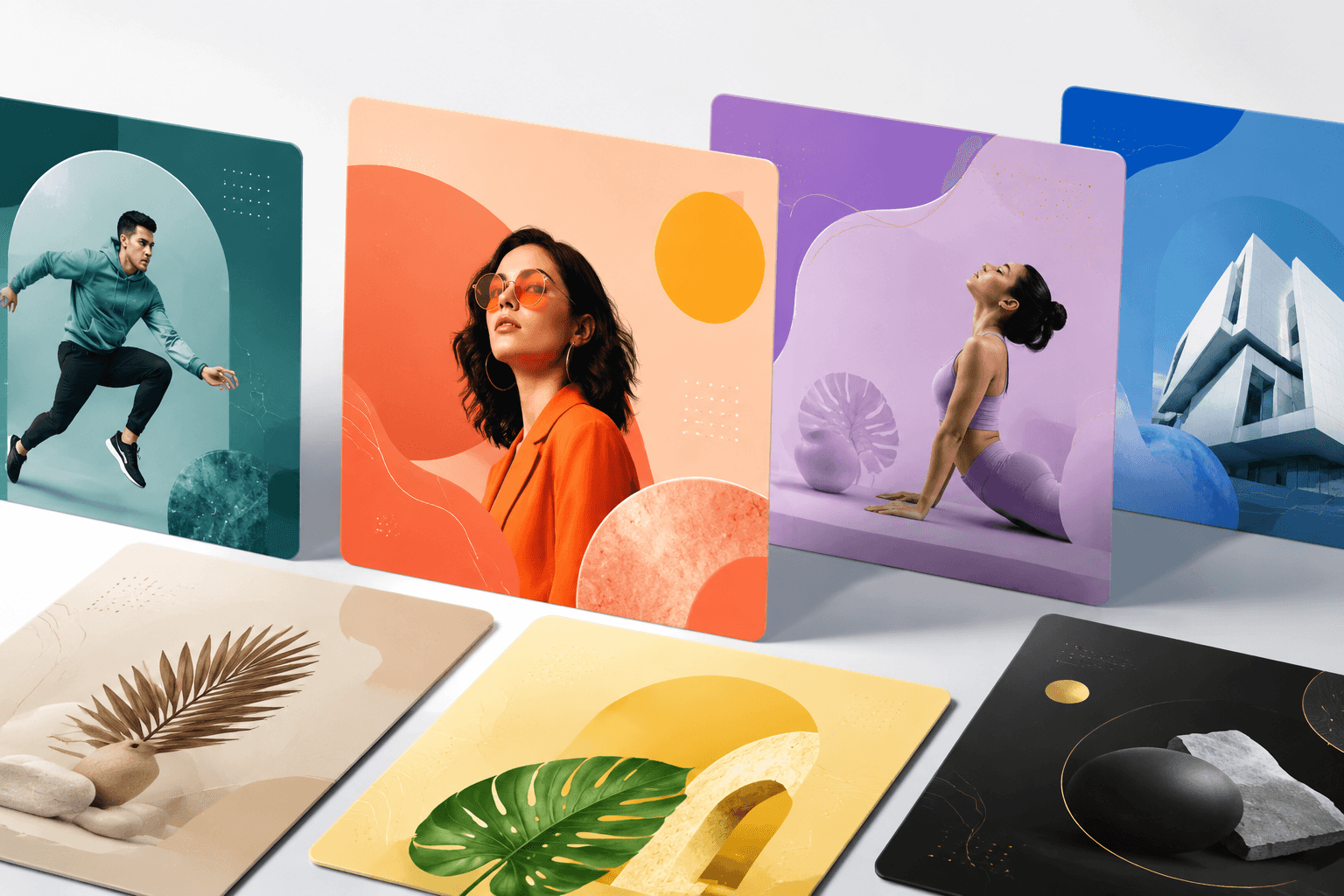
Create a short-form ad with immediate hook potential, clear product hierarchy, and platform-native pacing for Shorts. The visual direction is guided by the main reference image.

Build a carousel-ready visual framework with product sequence logic, clean card hierarchy, and conversion-friendly storytelling. The visual direction is guided by the main reference image.