General

UGC Ad Script

Create a creator-style ad structure with hook, demo, proof, and CTA sequencing for conversion-focused campaigns. The visual direction is guided by the main reference image.
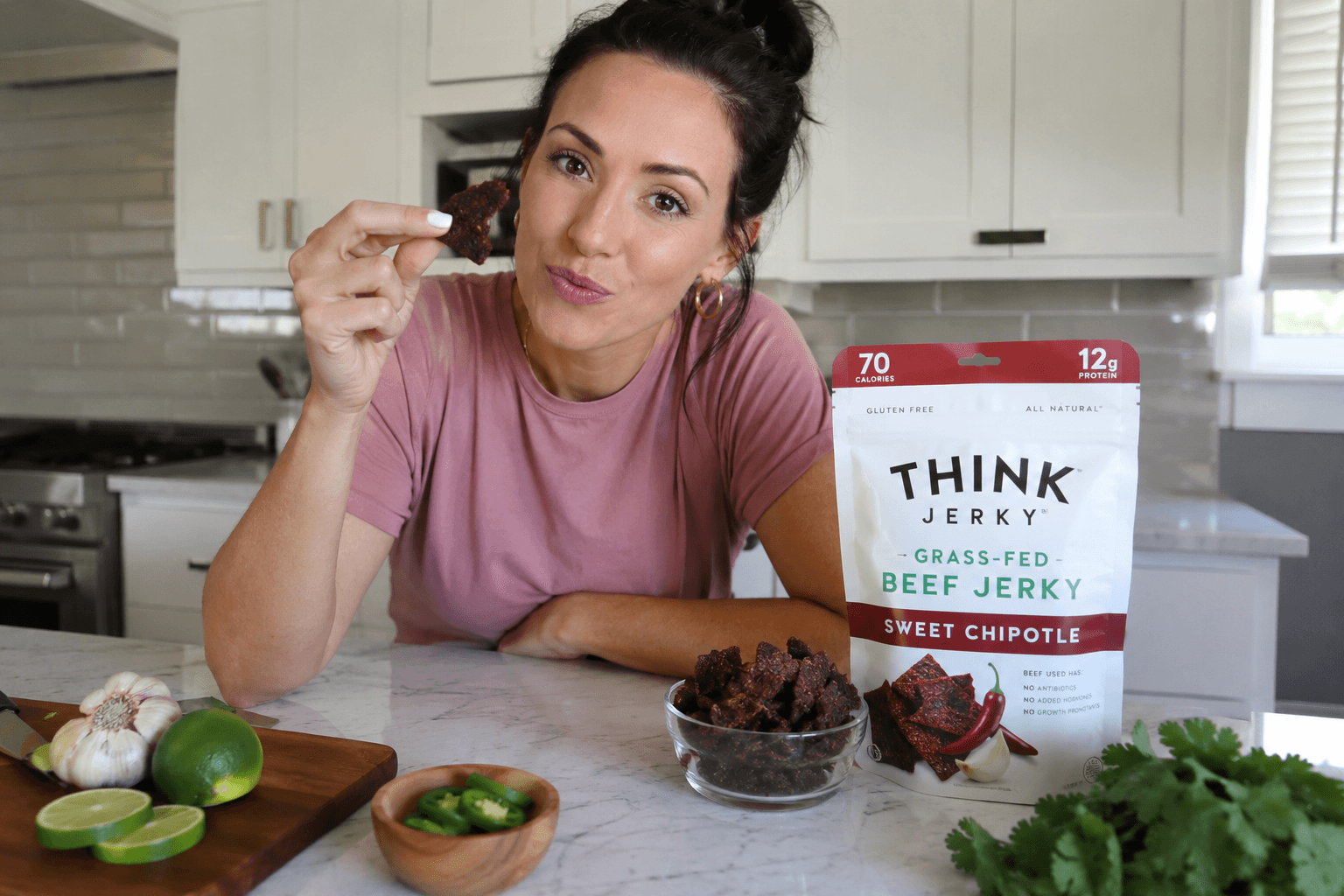
Use the main reference image as the visual anchor for composition, lighting, color palette, product placement, and prompt interpretation.

Use case
Creator-style UGC campaign
Search intent
UGC ad script prompt
Aspect ratio
9:16
Video duration
15-30 seconds

Use this template

Use this template

Copy the Image Prompt, Runway Prompt, or storyboard and drop the template straight into your next campaign workflow.

Download Free Pack
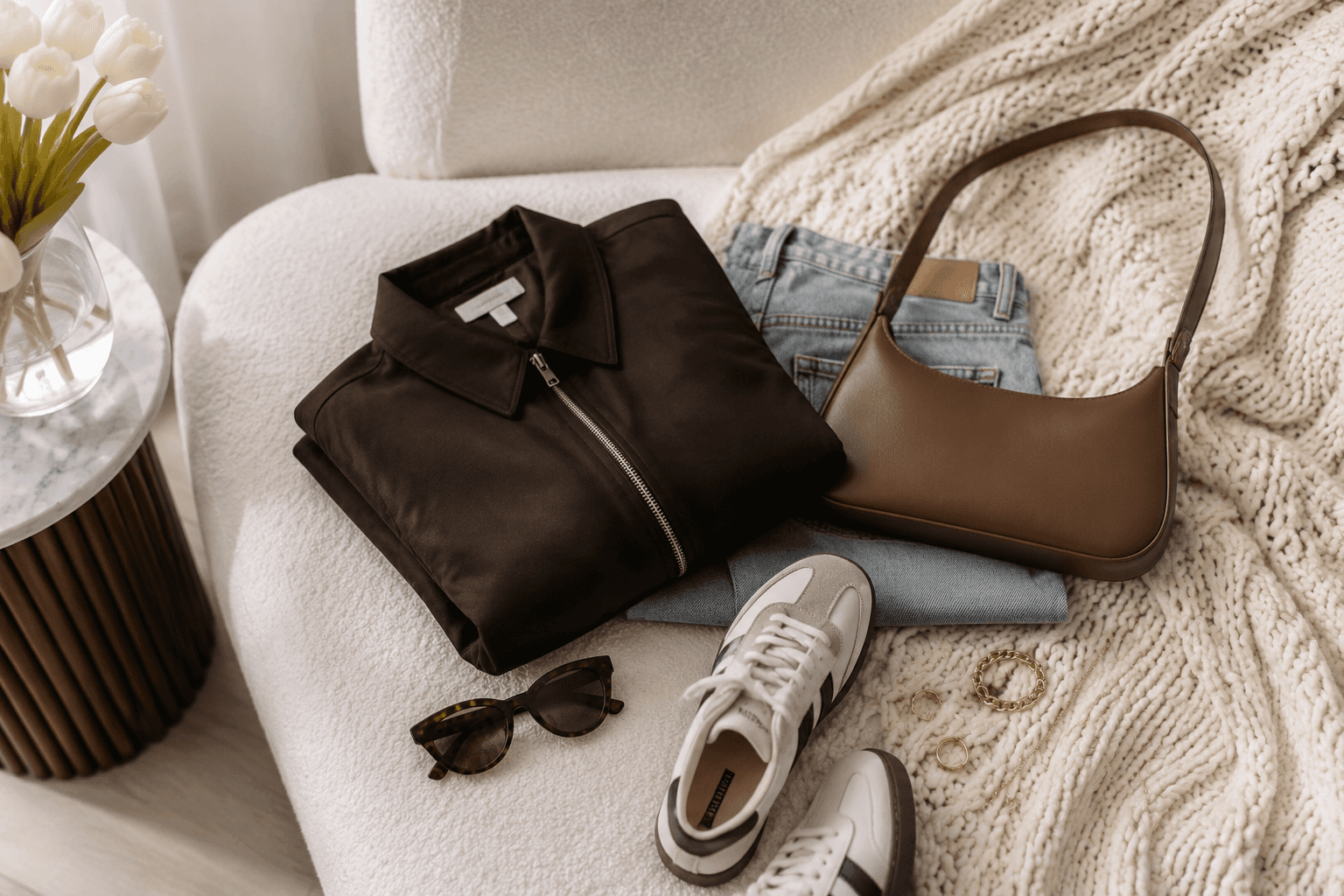
UGC Ad Script supporting reference image 1
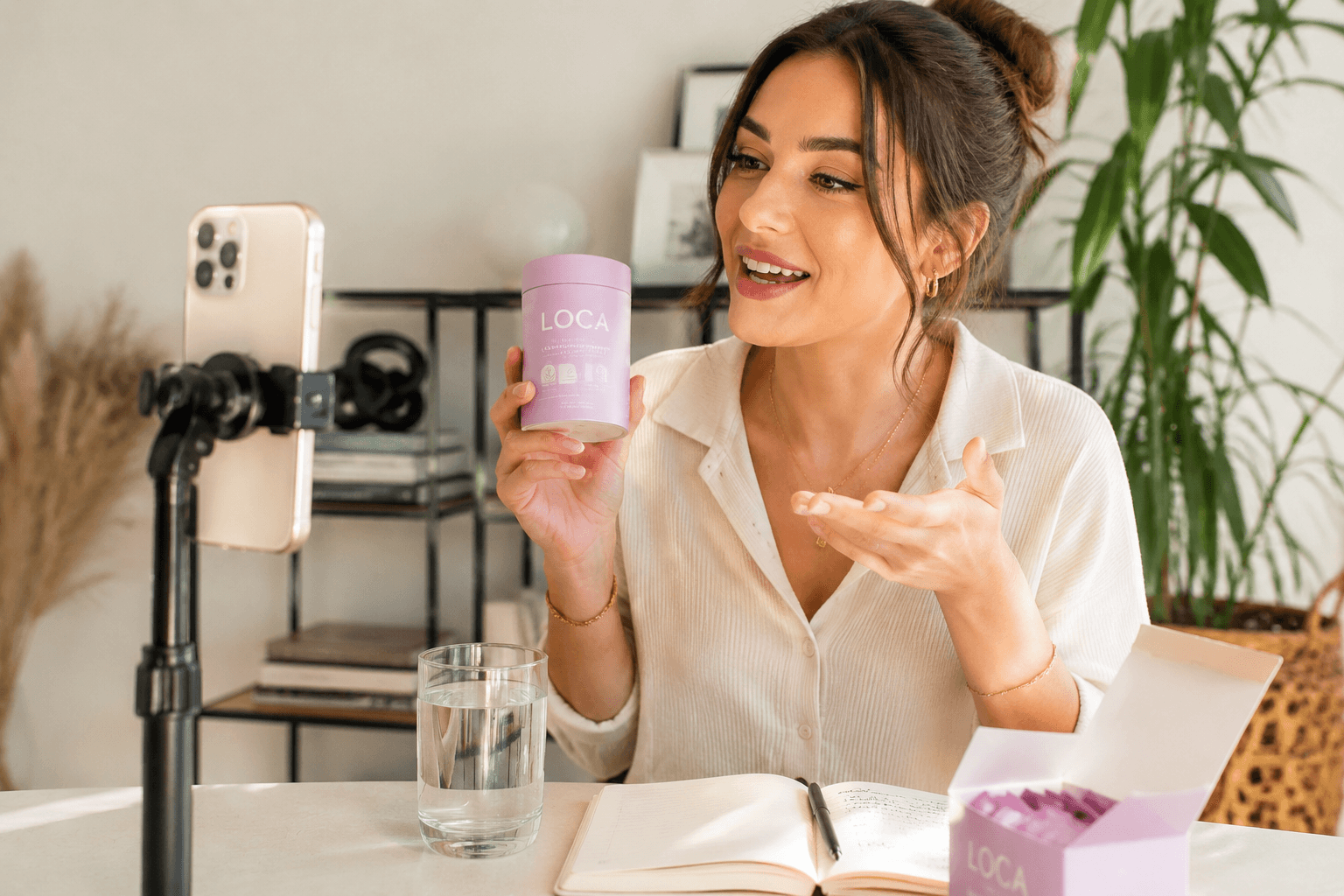
UGC Ad Script main reference image
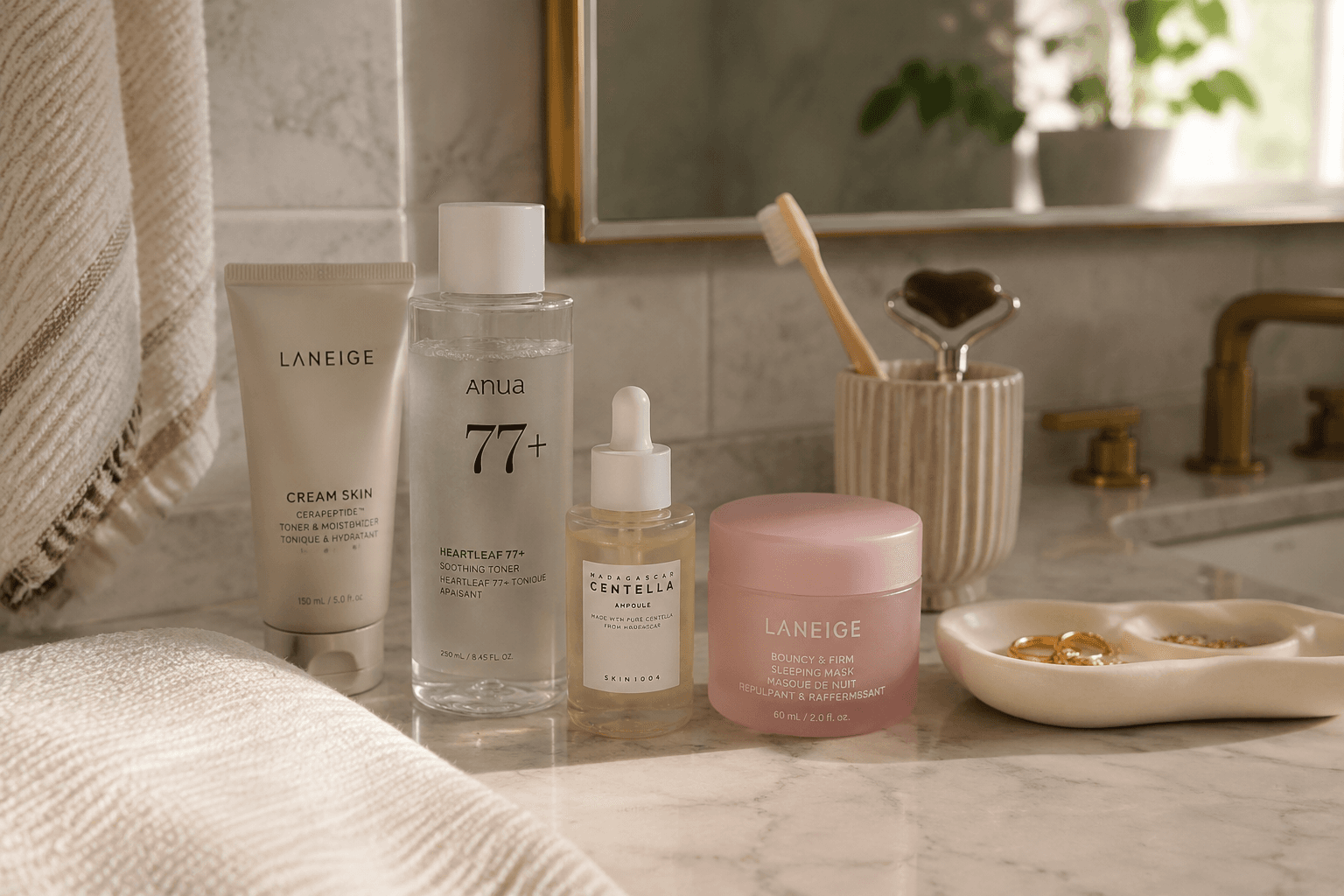
UGC Ad Script supporting reference image 3

Image Prompt

Use the main reference image as the visual anchor. Treat the other reference images only as supporting cues for texture, props, or framing. UGC ad visual with creator-style framing, product demo setup, authentic home environment, natural light, social ad structure, conversion-focused composition --ar 9:16 --v 6

Runway Prompt

Use the main reference image as the visual anchor. Treat the other reference images only as supporting cues for texture, props, or framing. A creator-style ad begins with a hook, then moves through demo, proof, and CTA rhythm in a social-native environment. Motion stays handheld and authentic through the final product frame.

Storyboard

3 to 5 scene script

  1. Scene 1

    The opening hook introduces the product and problem quickly. Keep the frame aligned with the main reference image.

  2. Scene 2

    A clear demo moment shows the product in use with believable context. Keep the frame aligned with the main reference image.

  3. Scene 3

    The final CTA frame reinforces product visibility and next-step action. Keep the frame aligned with the main reference image.

Camera Notes

Use the main reference image for angle, crop, and subject hierarchy. Use handheld eye-level framing with direct product demo visibility and one close proof insert.

Lighting Notes

Match the lighting logic of the main reference image first. Use natural daylight and home-style practicality instead of polished studio lighting.

Motion Notes

Keep motion choices consistent with the main reference image. Use social-native pacing, fast cuts, and direct creator movement.

Prompt Variations

  • Shift to a founder-led version while keeping the same UGC structure. Keep the main reference image as the visual anchor.
  • Make it more testimonial-driven with stronger proof language. Keep the main reference image as the visual anchor.
  • Create a tighter retargeting-friendly edit with a faster CTA. Keep the main reference image as the visual anchor.

FAQ

Does this only work for TikTok?

No. It is useful across Reels, Shorts, paid social, and creator-style landing page sections.

What makes UGC feel usable instead of generic?

Specific product interaction, a clear problem-solution structure, and believable creator pacing.

How should I use the reference images?

Use the main reference image for composition, lighting, palette, and product focus. Use the other reference images as secondary support.

Related Templates