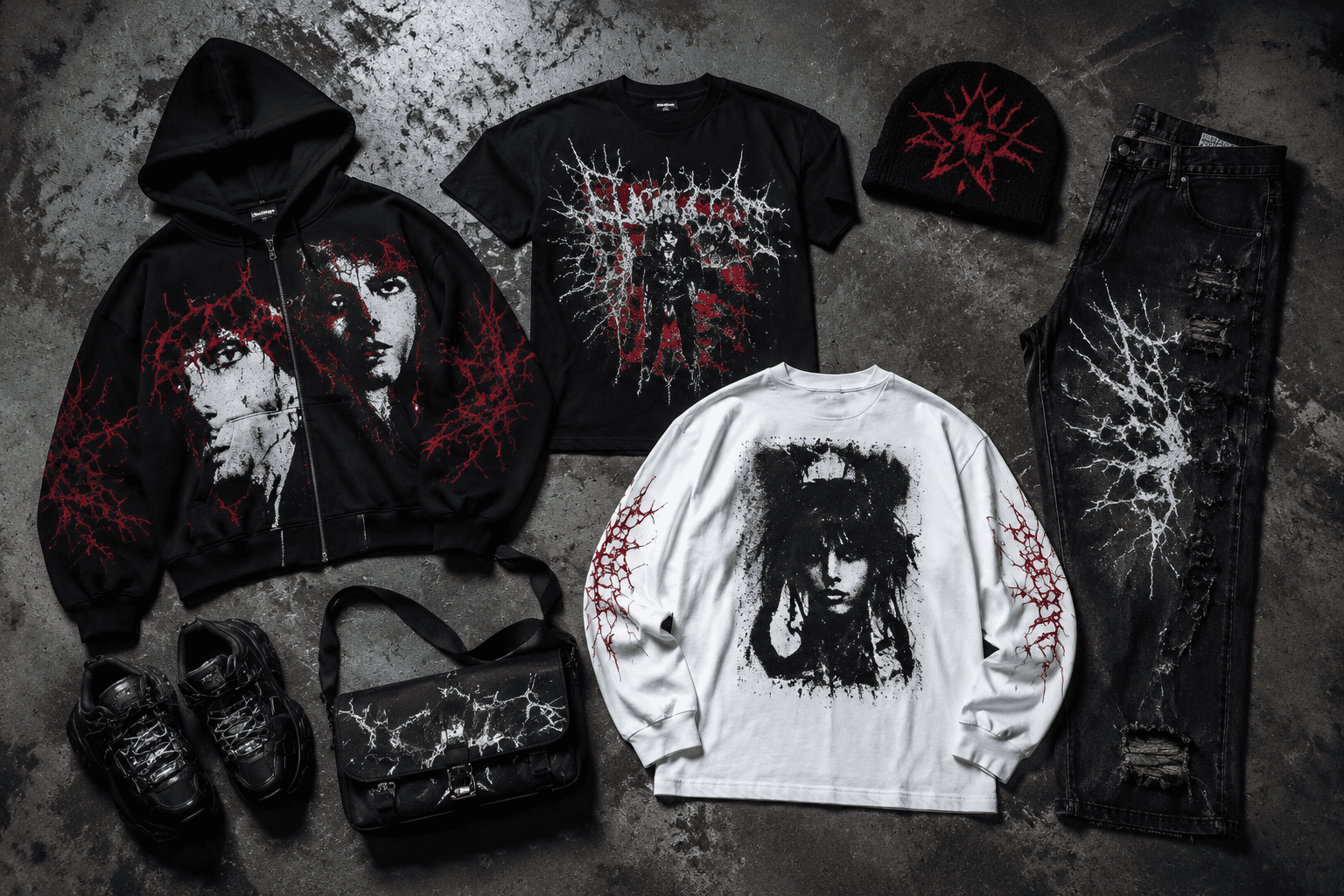
Fashion9:16
Streetwear Drop Promo
Image PromptRunway PromptStoryboard
Create a bold streetwear drop visual with urban texture, limited-release energy, and clear apparel focus. The visual direction is guided by the main reference image.
Showcase a sneaker release with bold form, launch energy, and product-first athletic style. The visual direction is guided by the main reference image.
Use the main reference image as the visual anchor for composition, lighting, color palette, product placement, and prompt interpretation.
Use this template
Copy the Image Prompt, Runway Prompt, or storyboard and drop the template straight into your next campaign workflow.
Download Free Pack
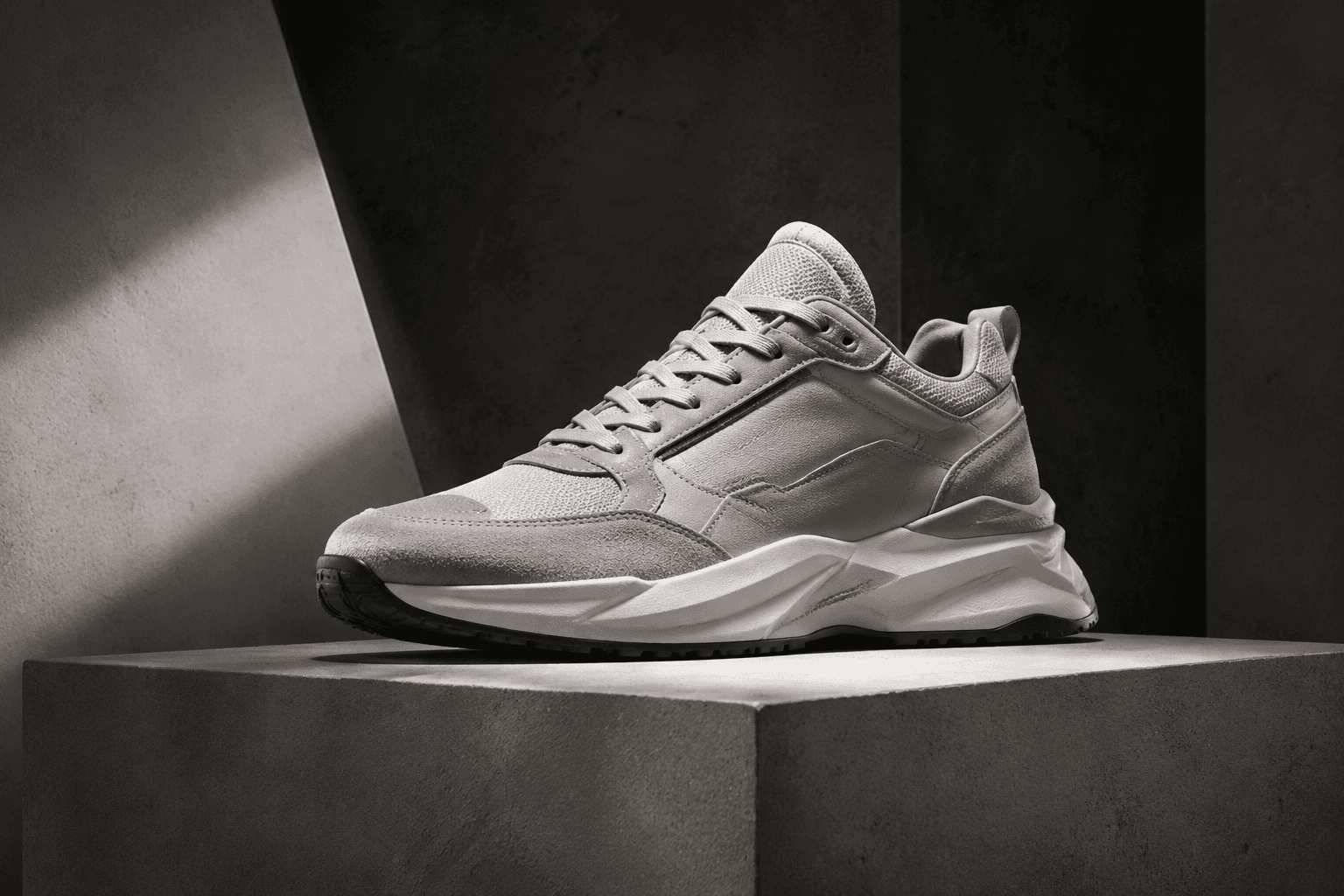

Use the main reference image as the visual anchor. Treat the other reference images only as supporting cues for texture, props, or framing. unbranded premium sneaker on a clean pedestal, dramatic studio lighting, streetwear launch mood, sharp shadows, modern footwear advertising photography, bold silhouette, material detail, clean background --ar 4:5 --v 6
Use the main reference image as the visual anchor. Treat the other reference images only as supporting cues for texture, props, or framing. A dramatic light sweep reveals the sneaker silhouette on a clean pedestal. The camera moves around the shoe to catch material detail and ends on a sharp streetwear launch hero.
Storyboard
A dark-to-light reveal establishes sneaker-launch energy. Keep the frame aligned with the main reference image.
The sneaker sits on a clean pedestal as sharp shadows define the silhouette. Keep the frame aligned with the main reference image.
The final frame holds the shoe as a premium footwear launch hero. Keep the frame aligned with the main reference image.
Use the main reference image for angle, crop, and subject hierarchy. Use a low pedestal angle, one close material insert, and a final side-profile hero crop.
Match the lighting logic of the main reference image first. Use dramatic studio lighting with sharp shadow control and clean highlights along the sole and upper.
Keep motion choices consistent with the main reference image. Use a slow orbit, light sweep, and crisp final lockup; avoid showing a model face.
Shape clarity, material definition, and a composition that feels urgent without becoming cluttered.
Yes. It is especially effective for launch, drop-date, and limited-release footwear creative.
Use the main reference image for composition, lighting, palette, and product focus. Use the other reference images as secondary support.
Create a bold streetwear drop visual with urban texture, limited-release energy, and clear apparel focus. The visual direction is guided by the main reference image.
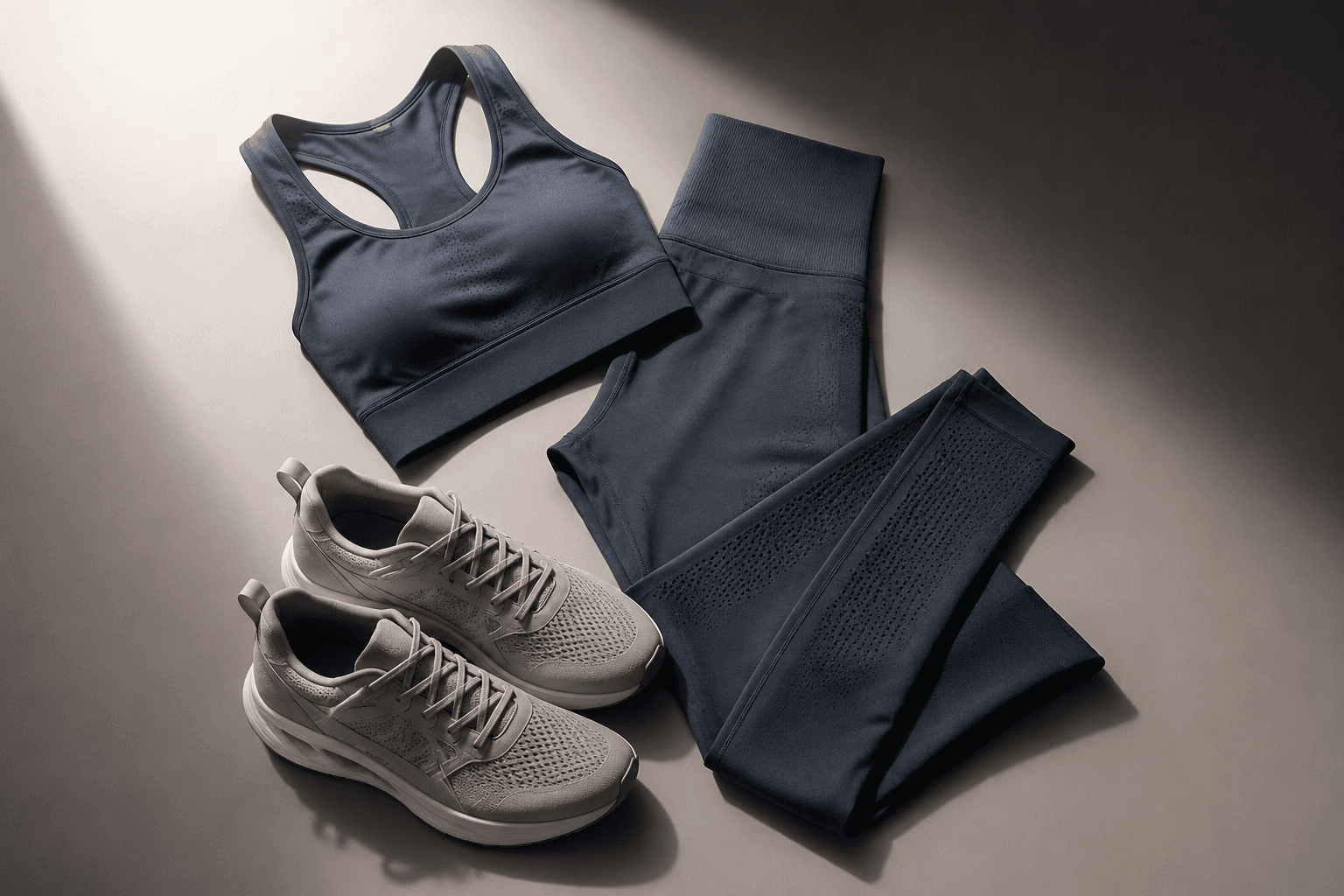
Build a performance-fashion visual with clean movement cues, apparel clarity, and a modern athletic premium tone. The visual direction is guided by the main reference image.
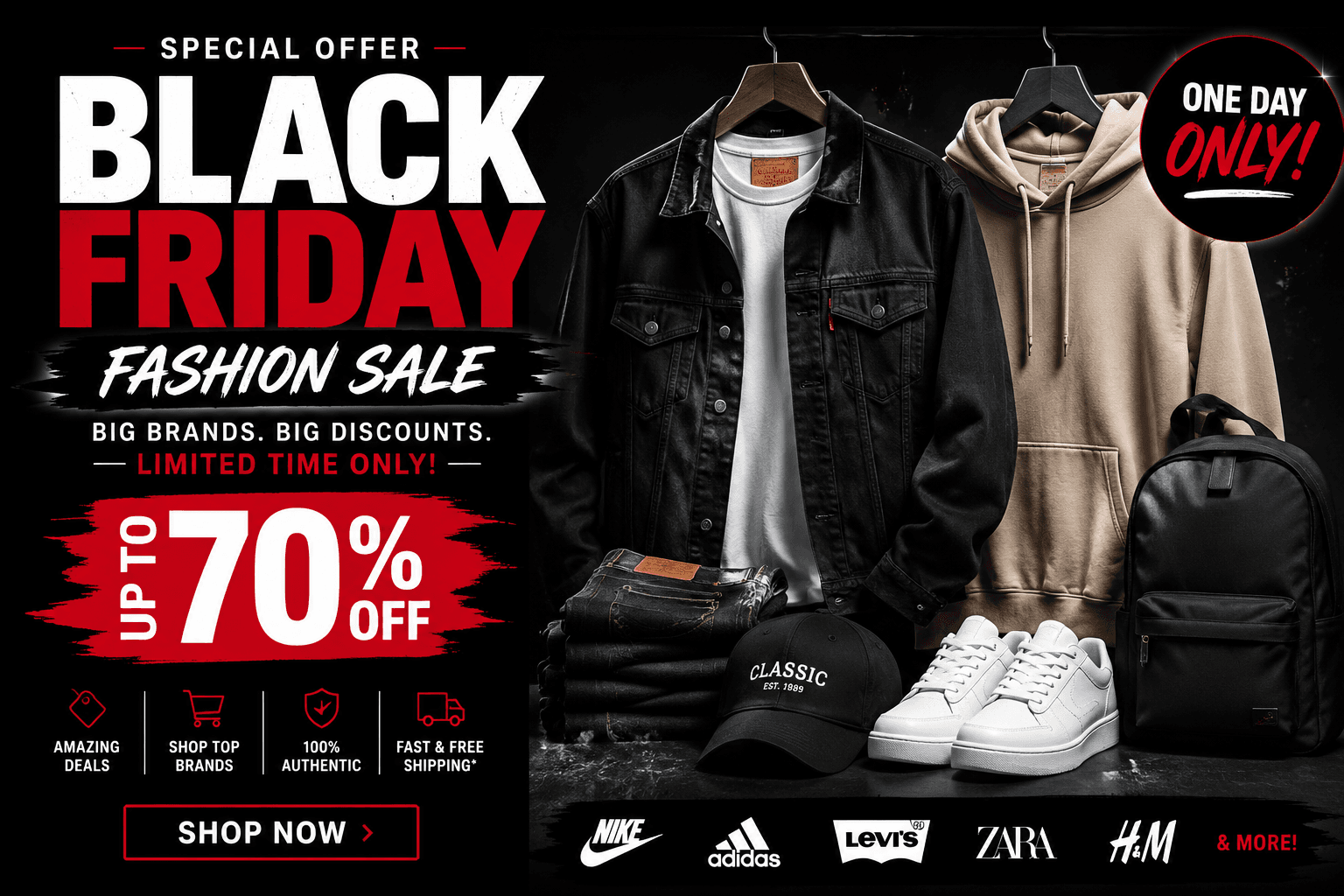
Showcase a fashion sale frame with strong offer-space hierarchy, apparel-first presentation, and premium promotional contrast. The visual direction is guided by the main reference image.